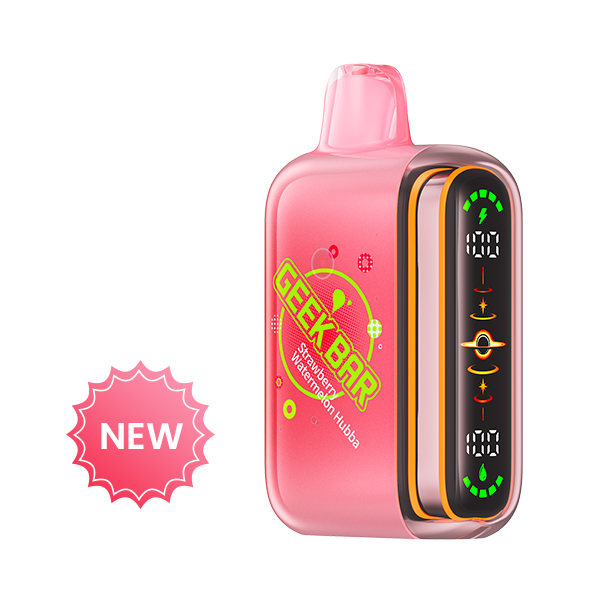
 Geek BarGeek Bar PULSE X 2

GEEK BAR / FOGER / ALIBARBARFind the model.
Find the model.
Understand the details.
A focused visual catalogue for three product families. Browse internal model pages, compare formats and continue into original guides without leaving PuffScope.
INTERNAL PRODUCT GUIDESORIGINAL EDITORIAL COPYNO EXTERNAL BRAND REDIRECTS
BROWSE BY BRAND
Three distinct product systems.
Each department groups related models and keeps product cards, comparisons and guide content connected.
FEATURED PRODUCTS
Browse all products →Models to start with.
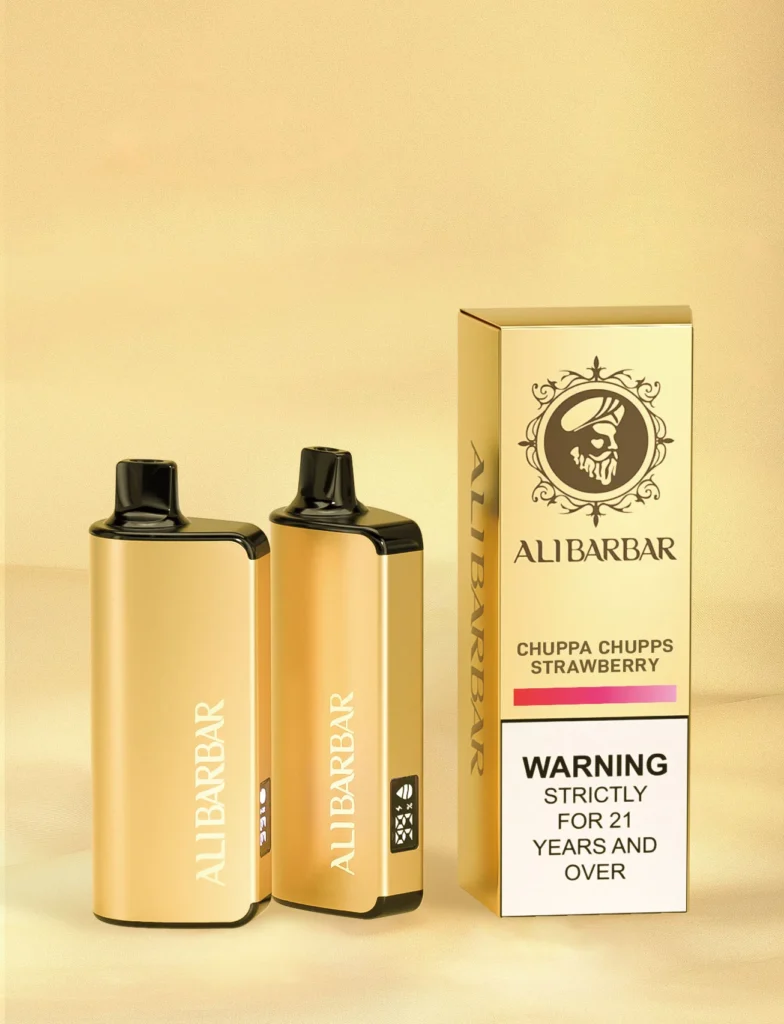
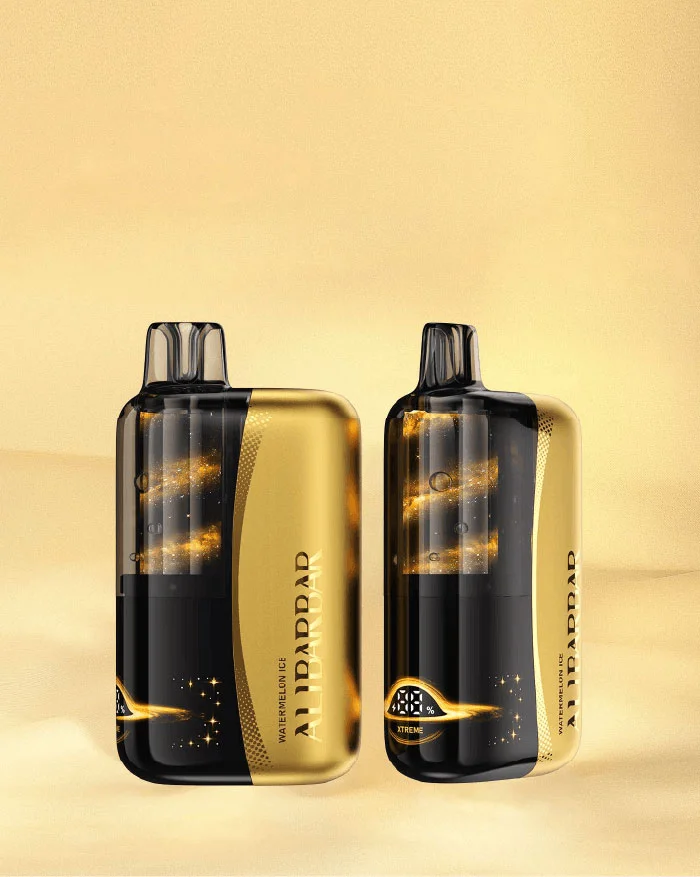
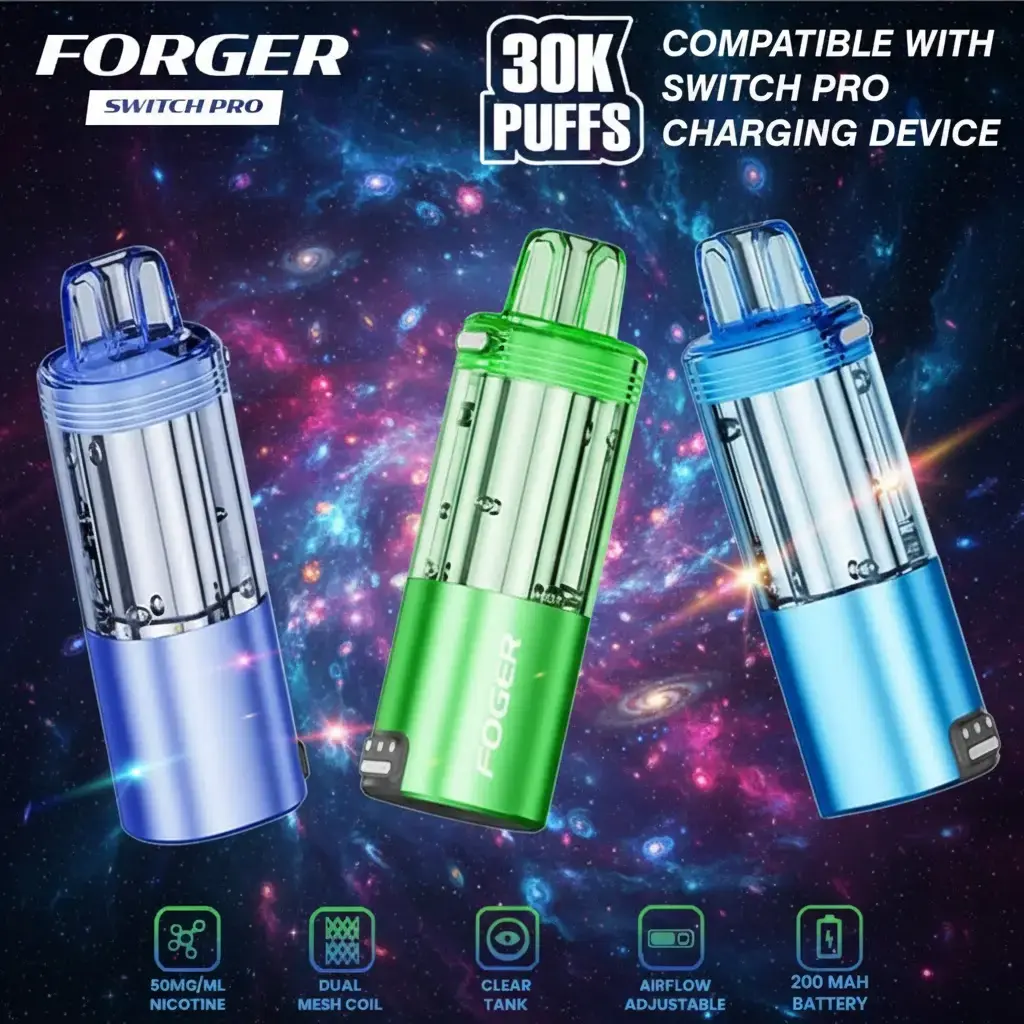
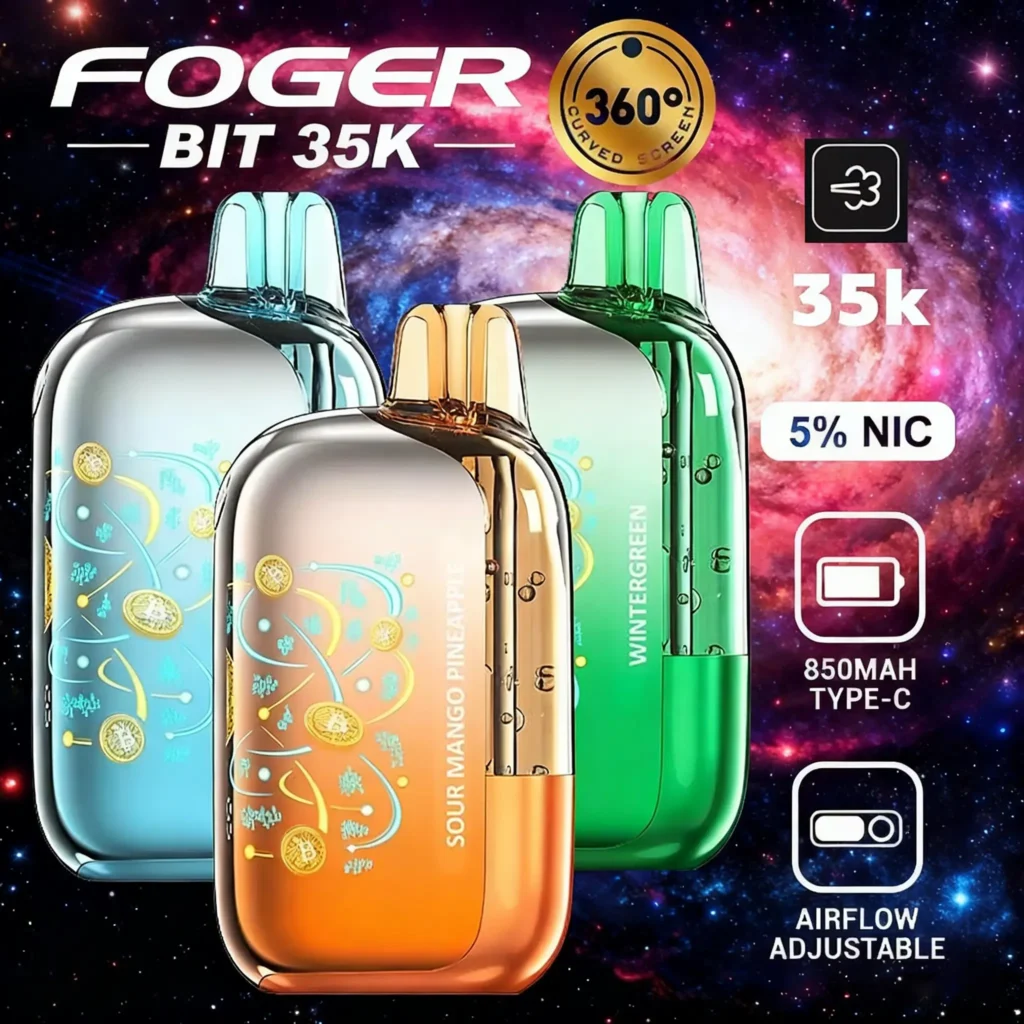
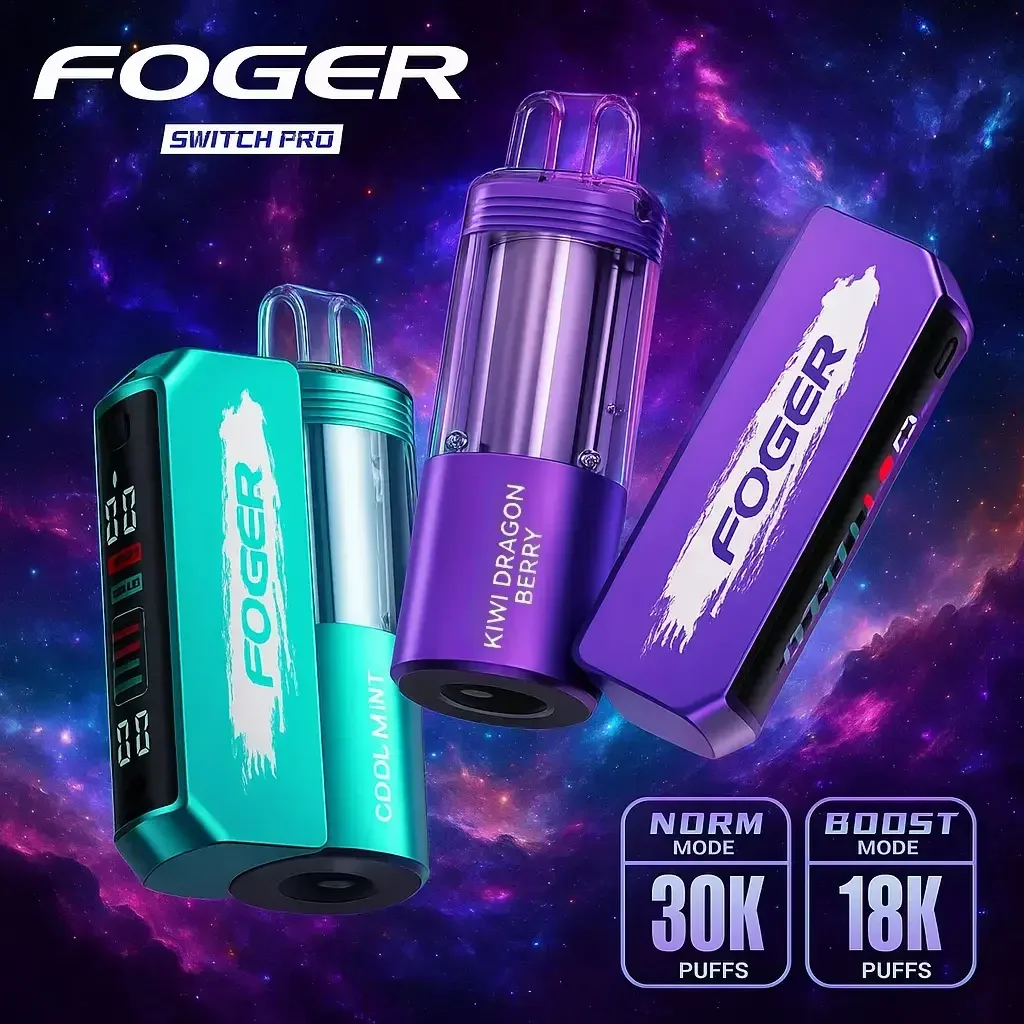
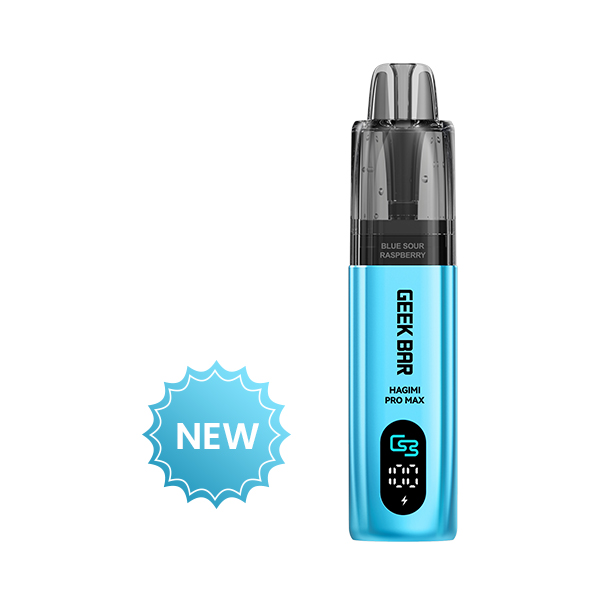
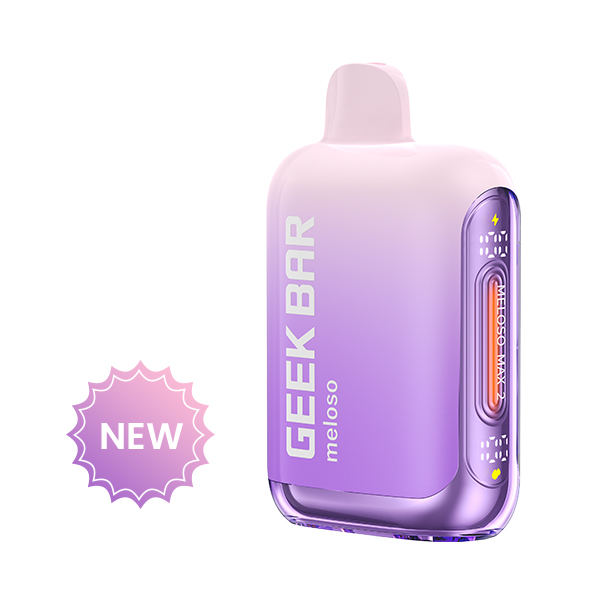
PRODUCT EDUCATION
Know what you are comparing.
Editorial guides explain model families, specifications and compatibility without pretending to be independent laboratory testing.
October 18, 2026
A Visual Product-Identification Checklist
A repeatable checklist for product images, packaging and model-family records.
October 18, 2026
Building a Useful Product Comparison
Compare like with like: family name, component type, display, battery format and regional documentation.
October 18, 2026
Understanding Published Puff-Count Claims
Why puff estimates depend on modes, draw length and operating conditions.
October 18, 2026
Black and Gold Is Not a Model Name
Colour is a useful brand cue, but body geometry and the printed family name provide stronger evidence.
October 18, 2026
Kit, Device or Pod: Why the Component Matters
A simple method for separating complete systems from charging docks and replacement components.
FIND YOUR ROUTE
Start with the format.
Start with the detail you already know, then continue to a focused internal guide.
01Screen-led models
Compare display position, interface graphics and Pulse-family silhouettes.
Explore Geek Bar →02Modular systemsSeparate complete kits, charging docks and replaceable pod components.
Explore FOGER →03Premium silhouettesIdentify SWIRL, INGOT and related black-and-gold visual families.
Explore ALIBARBAR →04Editorial explainersUnderstand naming, specifications, compatibility and published claims.
Read all guides →BRAND COMPARISON
Compare three distinct systems.
Compare each family by product format and visible design cues before opening the detailed model pages.
OPEN COMPARISONHELP CENTRE
Questions before you browse.
This site is an independent product-information directory. Every product card stays inside PuffScope.
Where do product cards lead?
Every card opens a dedicated internal product page with identification notes, published specifications and related guides.
How should I compare model families?
Use the complete printed name, component type, body silhouette and display position. Colour alone is not a reliable identifier.
Are published capacities independently tested?
No. Puff estimates, modes and capacities are presented as manufacturer-stated descriptors and kept in editorial context.
Can I browse one brand only?
Yes. The Geek Bar, FOGER and ALIBARBAR departments each provide a focused archive of internal model pages.